All homework in one list

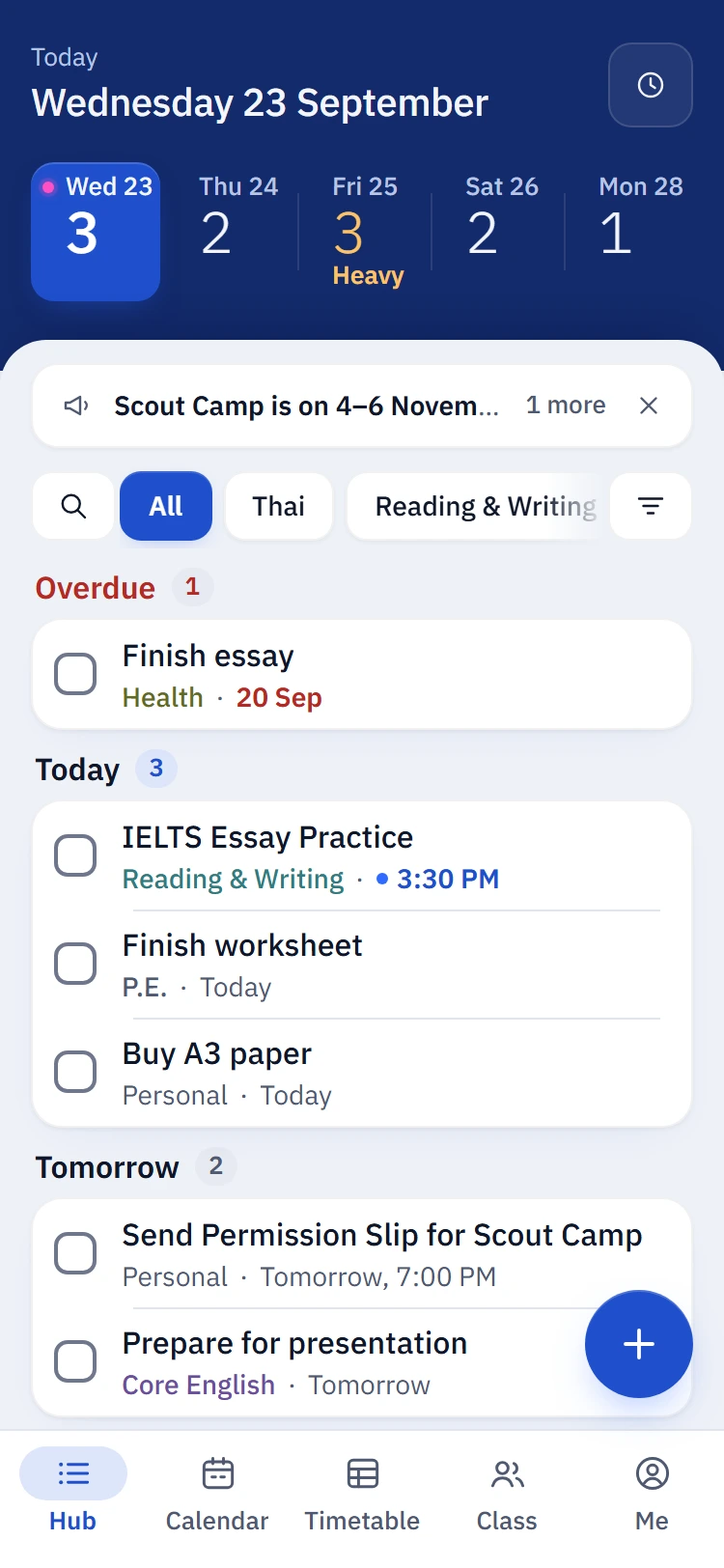
Class reps post it. Everyone sees it right away. Heavy days show up before they hit.

The mySKhw hub on a phone: this week's strip and the class homework list

How it works

Whiteboards, group chats, three different apps. mySKhw puts it in one place your class keeps up to date.

  1. Class reps post it

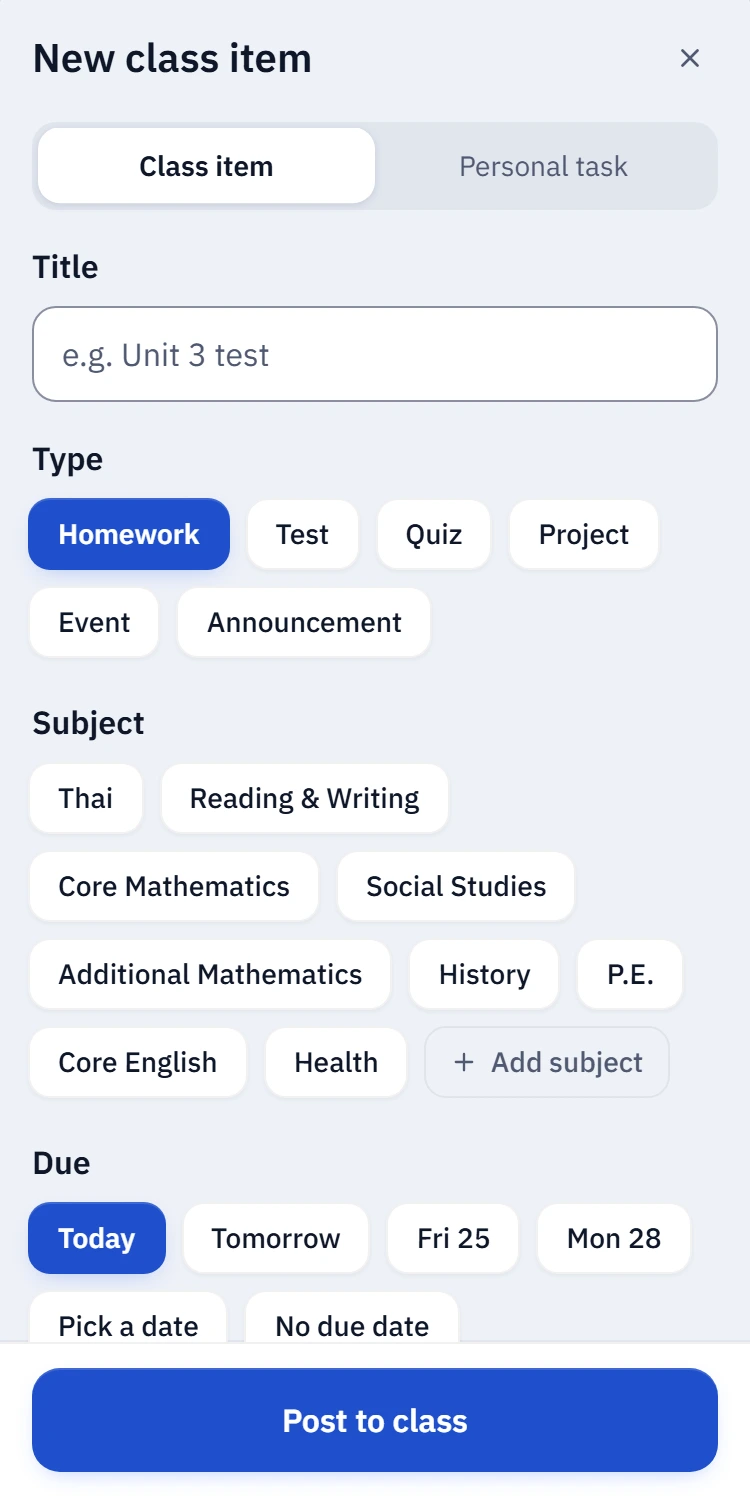
    Two taps from the phone, right when the teacher says it.

    Posting a new class item: title, type, subject and due date
  2. Everyone sees it live

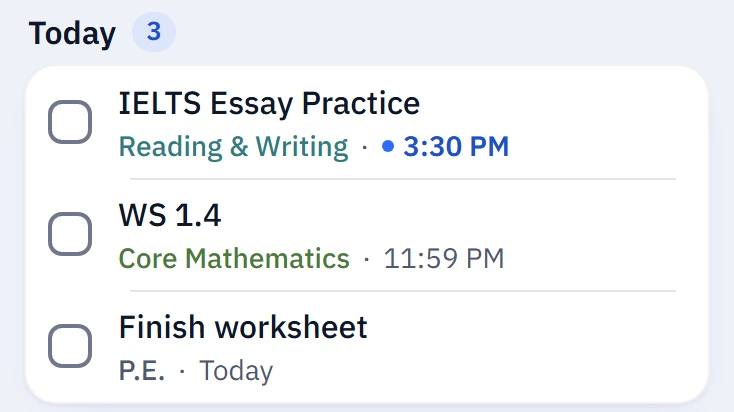
    It lands on every classmate's list within seconds.

    The new item on a classmate's list, seconds after it was posted
  3. Check it off

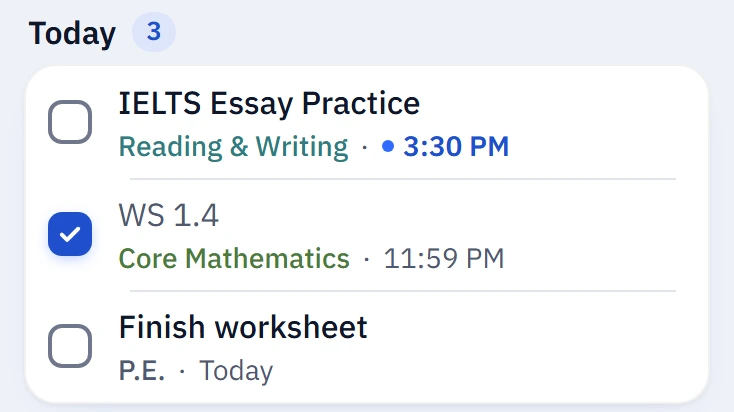
    See the class move forward.

    The item checked off, with Undo in the toast

See your workload at a glance

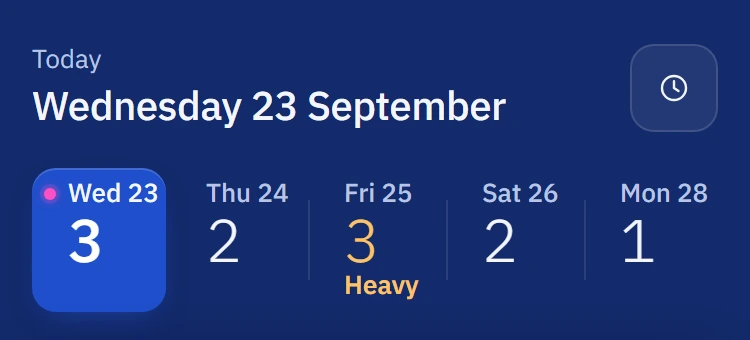
Every task has a size from 1 to 5. The week strip adds them up, so two tests and a project on one day stand out on Monday, not Thursday night.

The week strip: Friday is marked Heavy

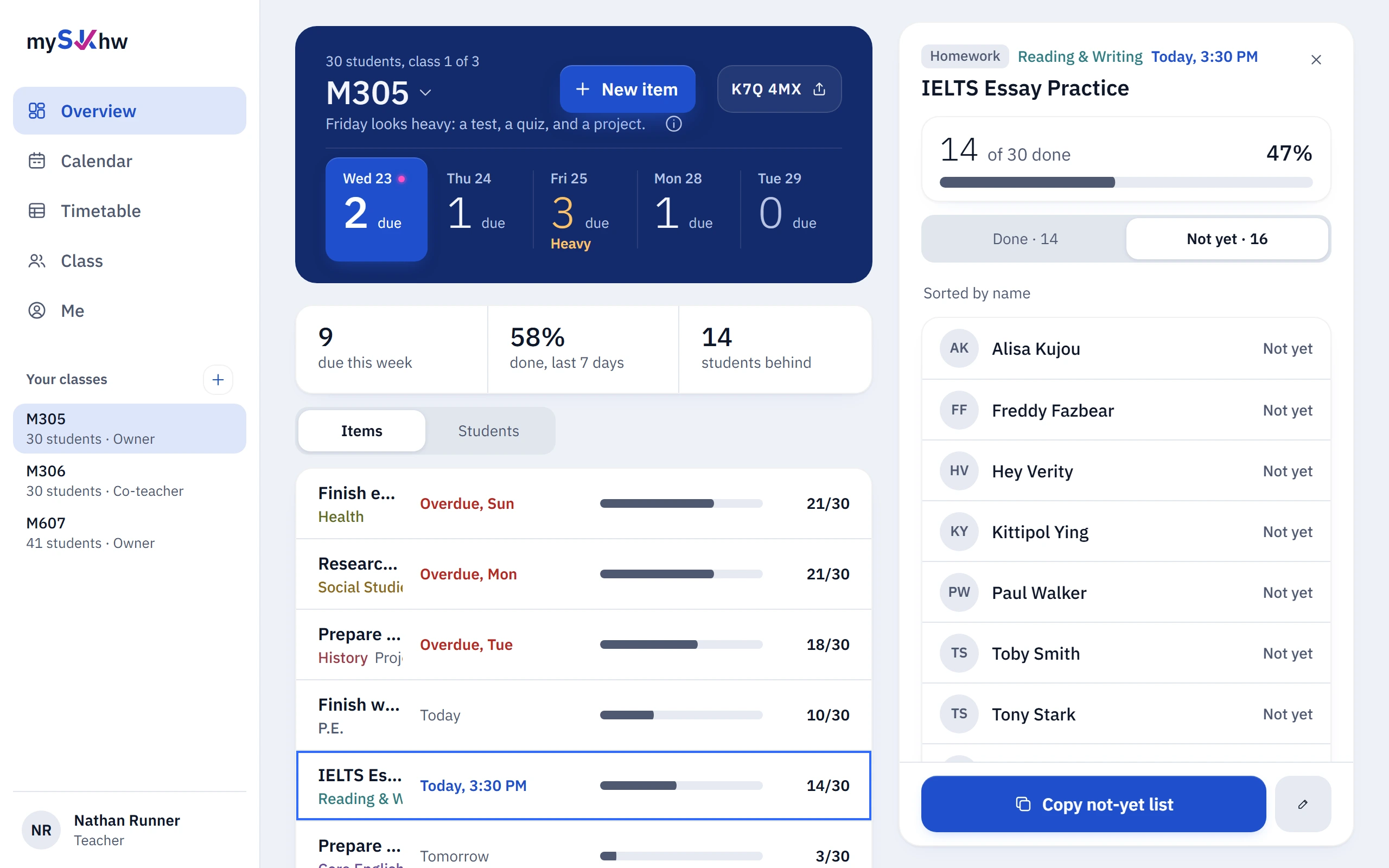
For teachers: see who needs a hand

  • Who hasn't done it, in one tap

    Copy the list and follow up.

  • Spot overloaded weeks

    Before three tests land on one day.

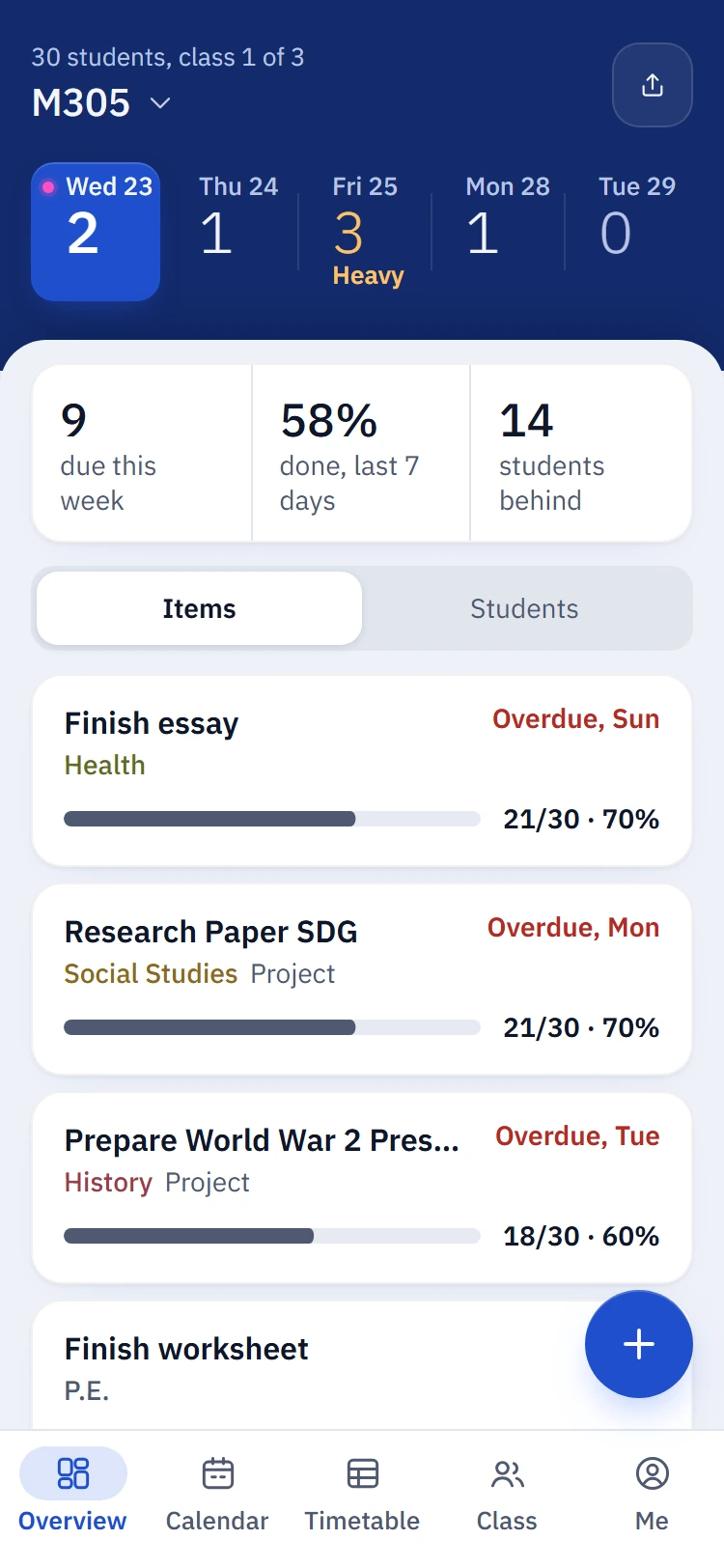
The teacher overview on a phone: every item's progress and who hasn't done it
Sign in to create a class

Fits the way you already work

In your Google Calendar

Live sync, usually within a minute. Or a link for Apple Calendar and Outlook.
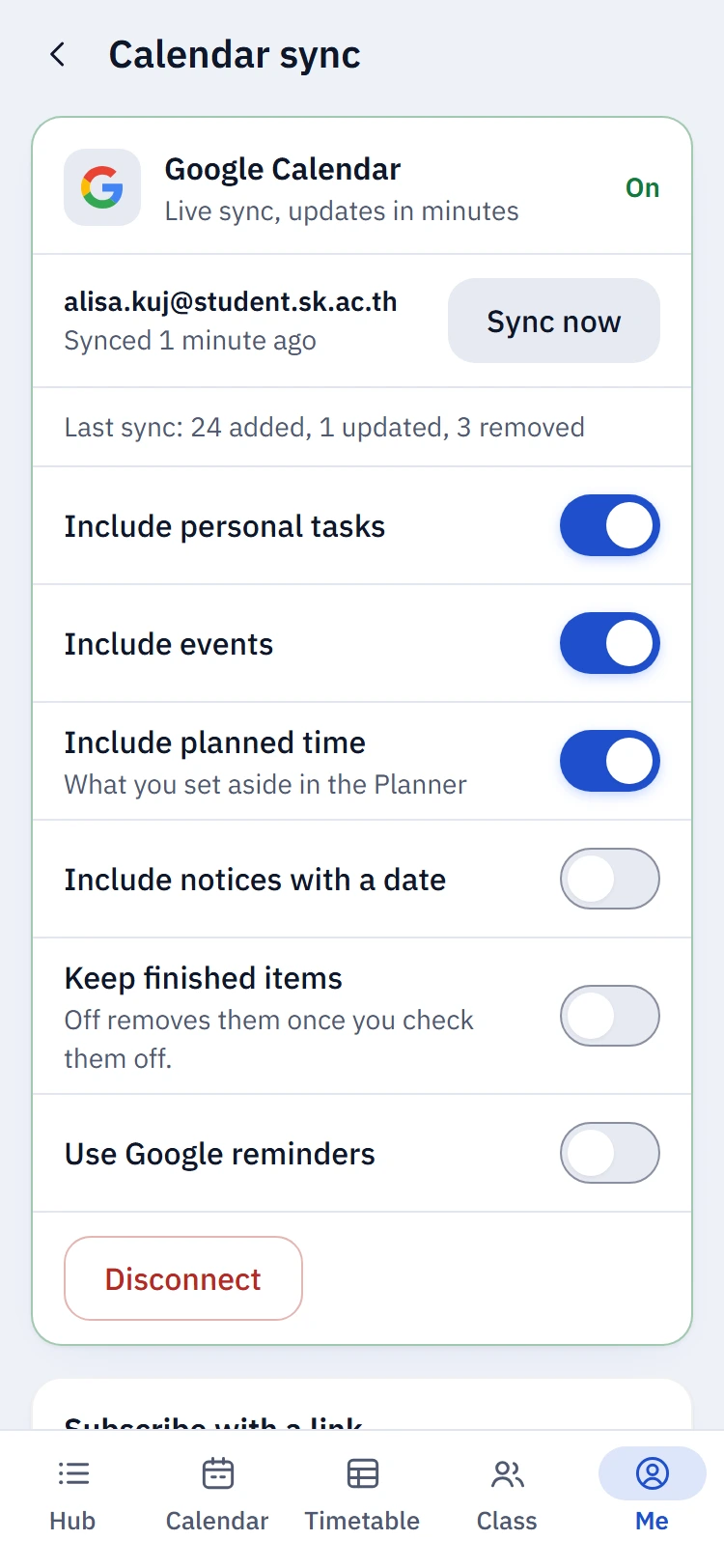
Calendar sync settings with Google Calendar connected

Reminders you control

Choose when, per type. Quiet hours keep nights quiet.

19:00

Poem Unit Test is tomorrow, 8:00

Thai, big task

English or ไทย, light or dark

Buddhist Era dates if you want them. Works on any phone, and installs like an app.
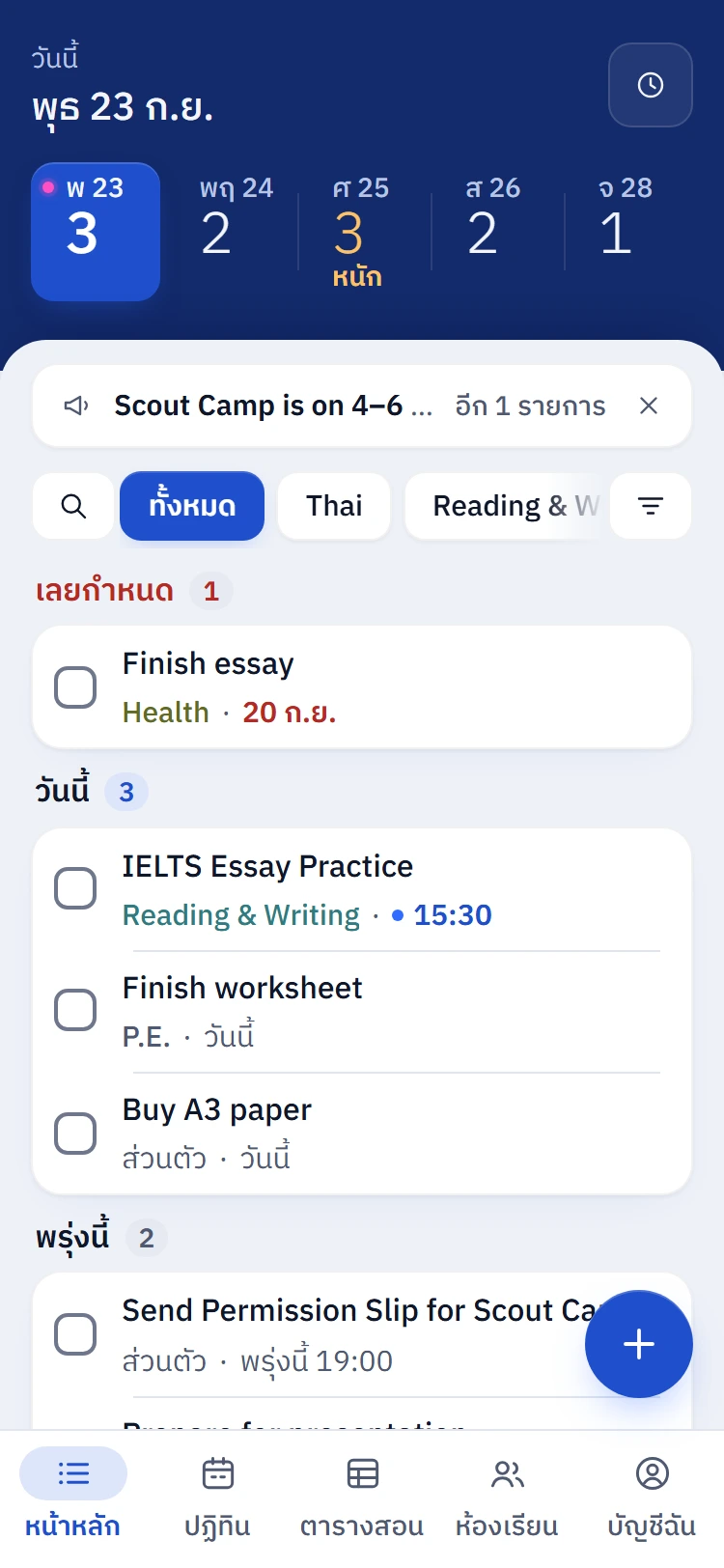
The hub in Thai, in light mode
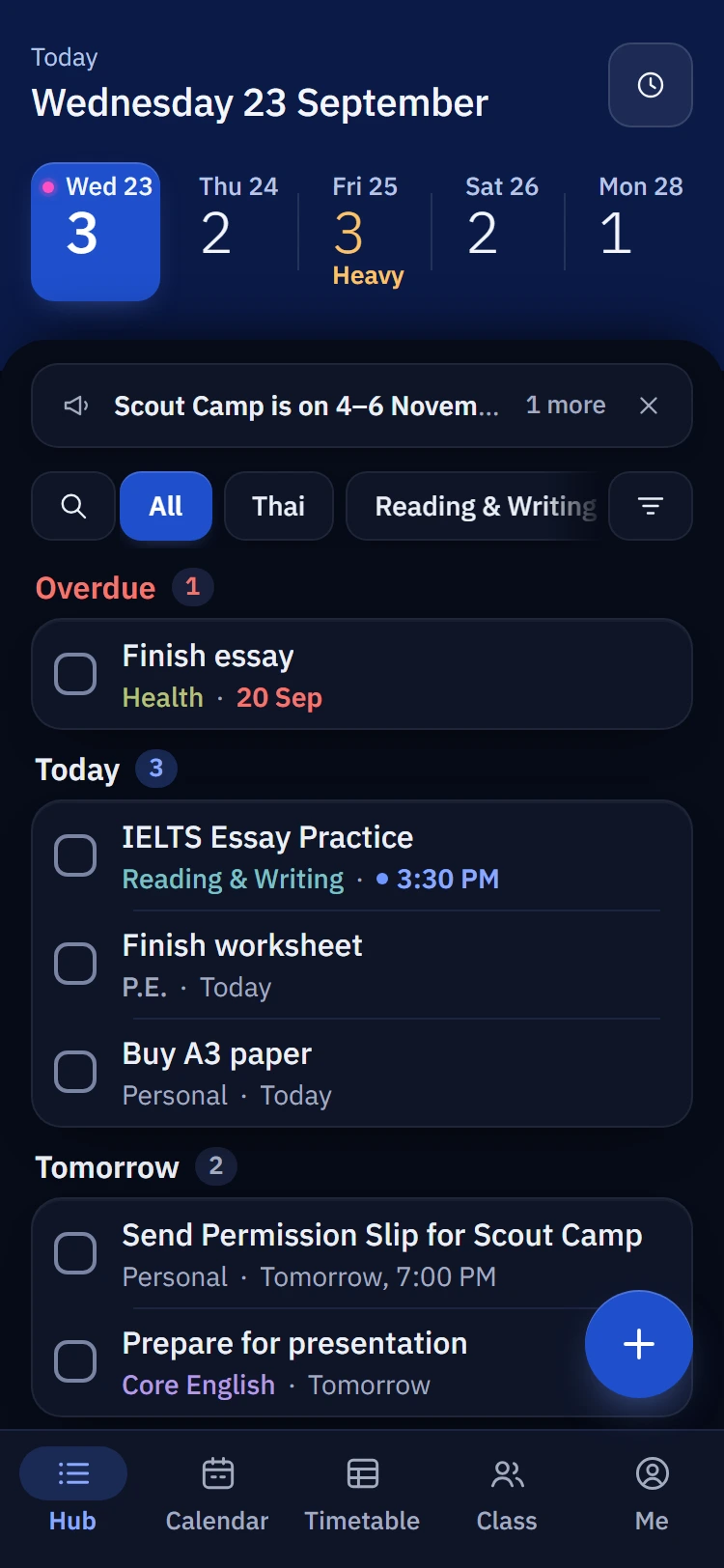
The hub in dark mode

Questions

Can classmates see what I've finished?
No. Classmates only see how many people are done, never who or when. Your teacher can see names so they can help.
Why can't I sign in with my Gmail?
mySKhw only accepts school Google accounts (@student.sk.ac.th and @sk.ac.th), so only people from your school can join your class.
Does it work on iPhone?
Yes. It runs in Safari or Chrome on any phone. Add it to your Home Screen and it opens like an app.
What happens to my data?
It stays with your school. You can download your data or delete your account from Me. Read the Privacy policy.

Still stuck? Contact support at support.myskhw@gmail.com.

Ready to join your class?

Sign in with your school Google account. If you're not in a class yet, enter its code next.

Join your class